
Recently I had the opportunity to add a little new tech to my set up for creating my self-published Bible based workbooks. The Fold Monitor was sent to me to use so I can tell you about it. Opinions are my own.
In truth, I’m not a techy person. I’ve had a lot of learning curves in my almost 18 years of being an online publisher (i.e. blogger, writer).
In 2022, I learned how to self-publish my own books through Amazon’s KDP system. I make workbooks and notebooks: consumable products that cannot be made into kindle ebooks. This was a huge step of growth for me and one that I didn’t really plan on achieving early on.
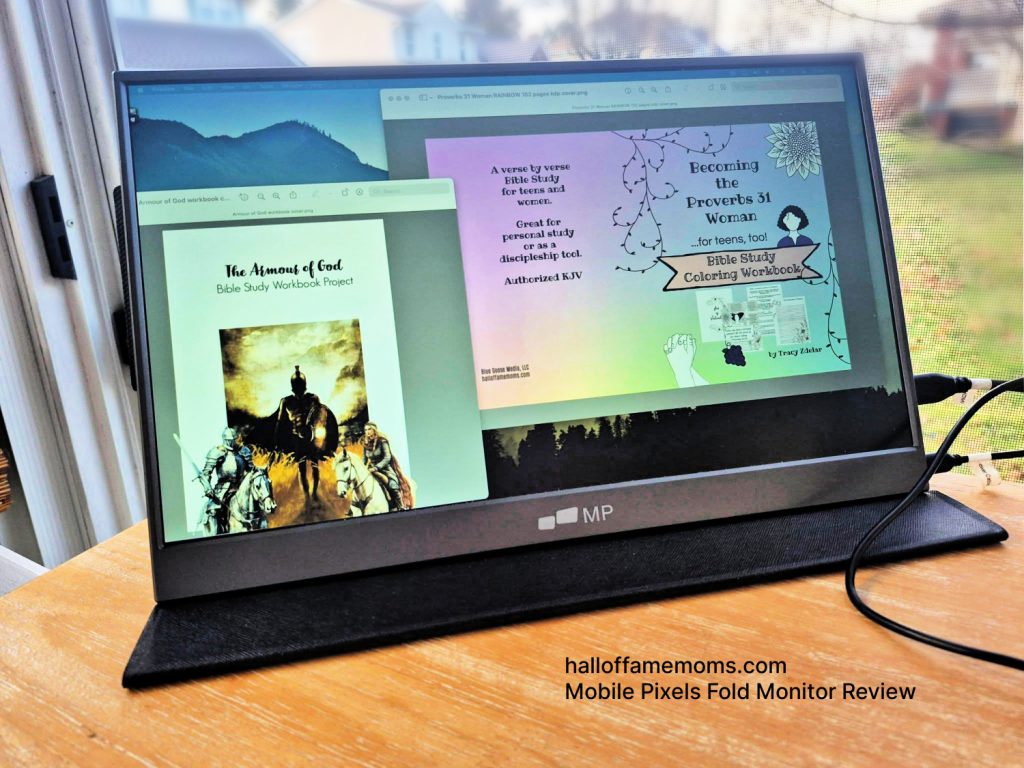
Let’s take a minute to see what I have.
I received the 15.6″ FHD Portable Laptop Monitor. From the company:
“The Mobile Pixels Fold monitor is a completely portable dual-screen laptop accessory that promises to boost your productivity by up to 50% and allows for efficient multitasking.
“By utilizing the latest in LCD technology, the Mobile Pixels Fold monitor provides a full high-definition experience along with vibrant colors for any working condition.
“The Mobile PIxels Fold is a plug and play monitor, no driver installation is required. Compatible with DP enabled USB Type C ports. Also compatible with HDMI ports, additional USB cable required for power delivery.”
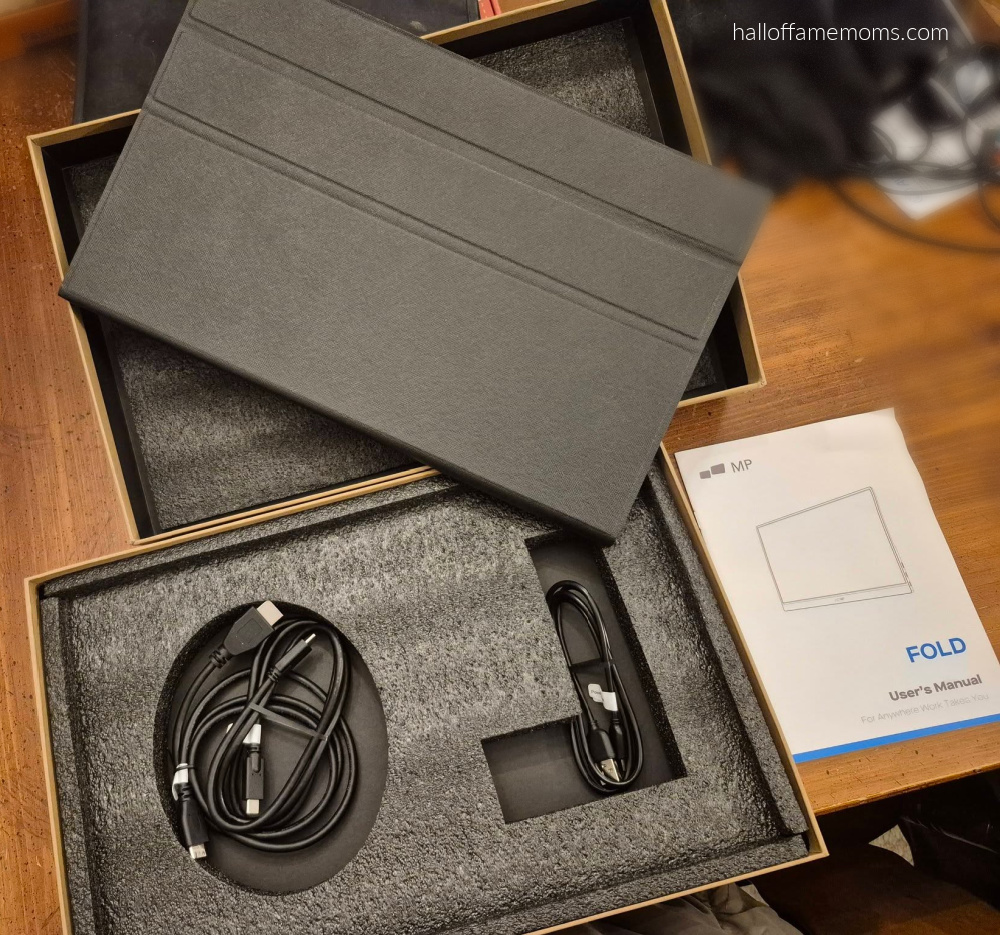
The MP FOLD MONITOR
One of my friends did a review for a different type of dual monitor from this same company – but, the monitor they reviewed attaches to the laptop. It looks like a really cool feature.
The monitor I picked to try is a fold monitor that stands up but does not attach to the laptop except by the necessary plugs needed to work it. I chose this because I will soon need to replace my laptop.
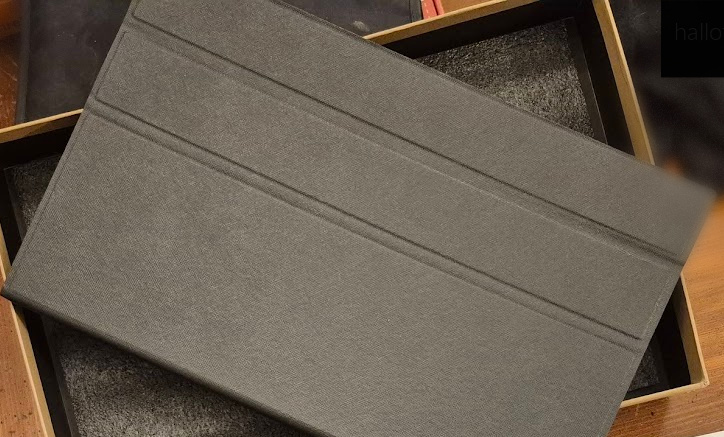
I think my monitor is a bit larger than the attached one, but I’m not 100% sure. I do like having the second monitor completely separate. It has a fold over cover flap that protects the screen also.
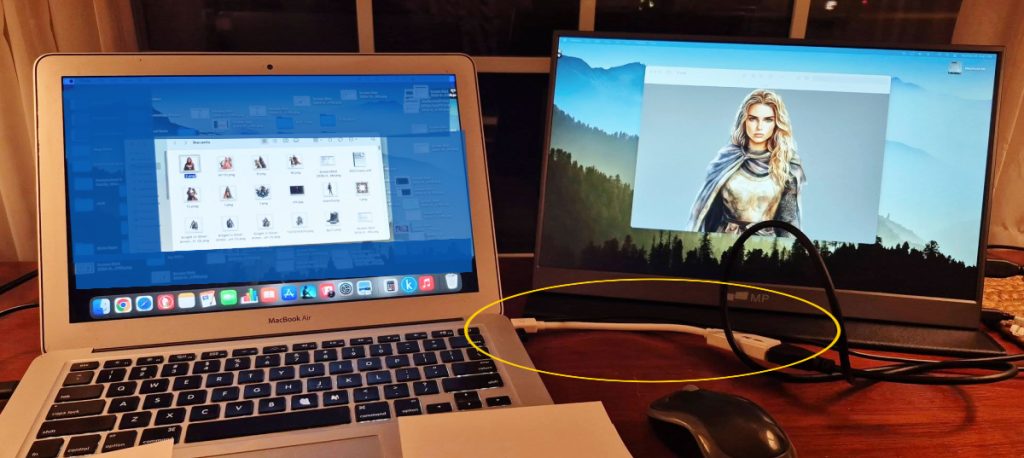
I have an older Macbook Air laptop.
As you’ll see in the picture my laptop needed an adapter (circled in yellow) to hook up the laptop to the Fold Monitor cord.
If you have an up-to-date laptop you should be able to hook one of the cords that came with the Fold Monitor directly to your laptop.
I create all my workbooks, text and graphics, using Picmonkey and Creative Fabrica. This NEW added tech piece is going to be GREAT for this because I can see my graphics on one screen while I’m creating the pages that require text on the other screen.
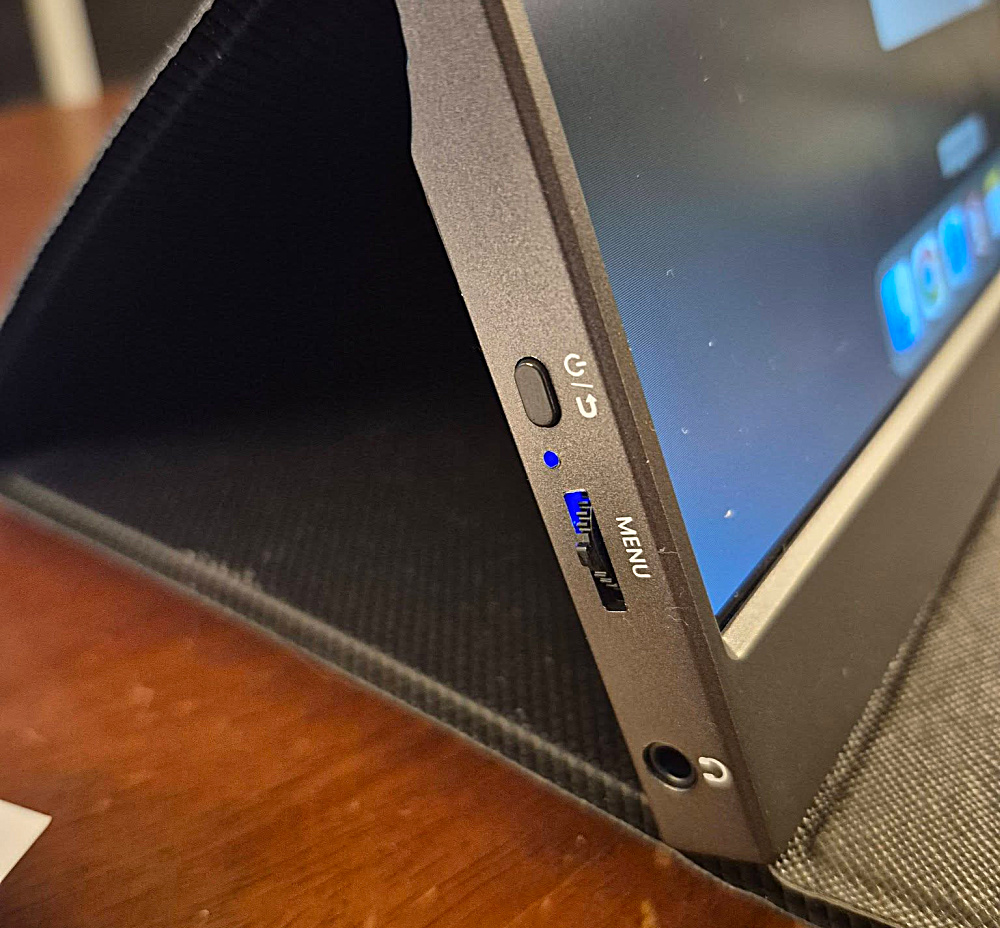
The above picture shows the menu tab on the fold monitor which will adjust the brightness of the screen by moving the tab up or down. The on/off button above the menu tab I believe was able to make the utility bar of my laptop move to the fold monitor. You can go into your computer’s setting to check the “display” options.
I was able to mirror my laptop to my fold monitor so that what was on screen of each matched; and, I was able to separate them so that I only saw on my fold monitor what I dragged over to the fold monitor from my laptop. Just drag what image you want with your mouse from the laptop screen to the fold monitor screen.
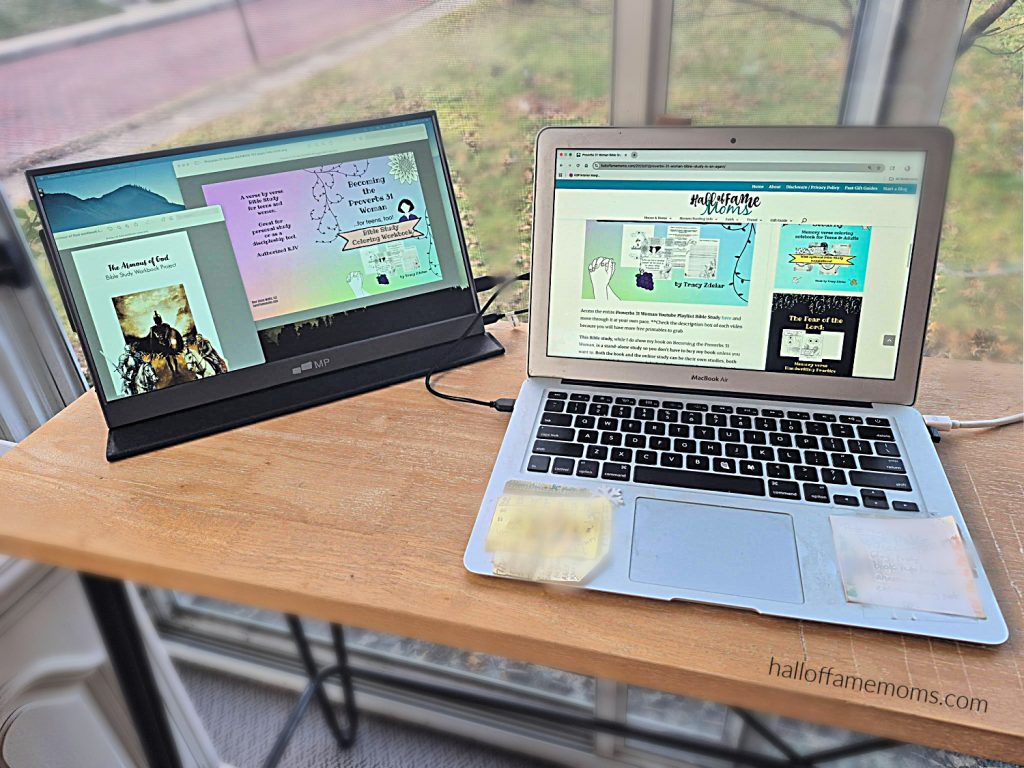
If a second monitor is something you think could increase your work productivity go check out my fold monitor at the Mobile Pixels website now!